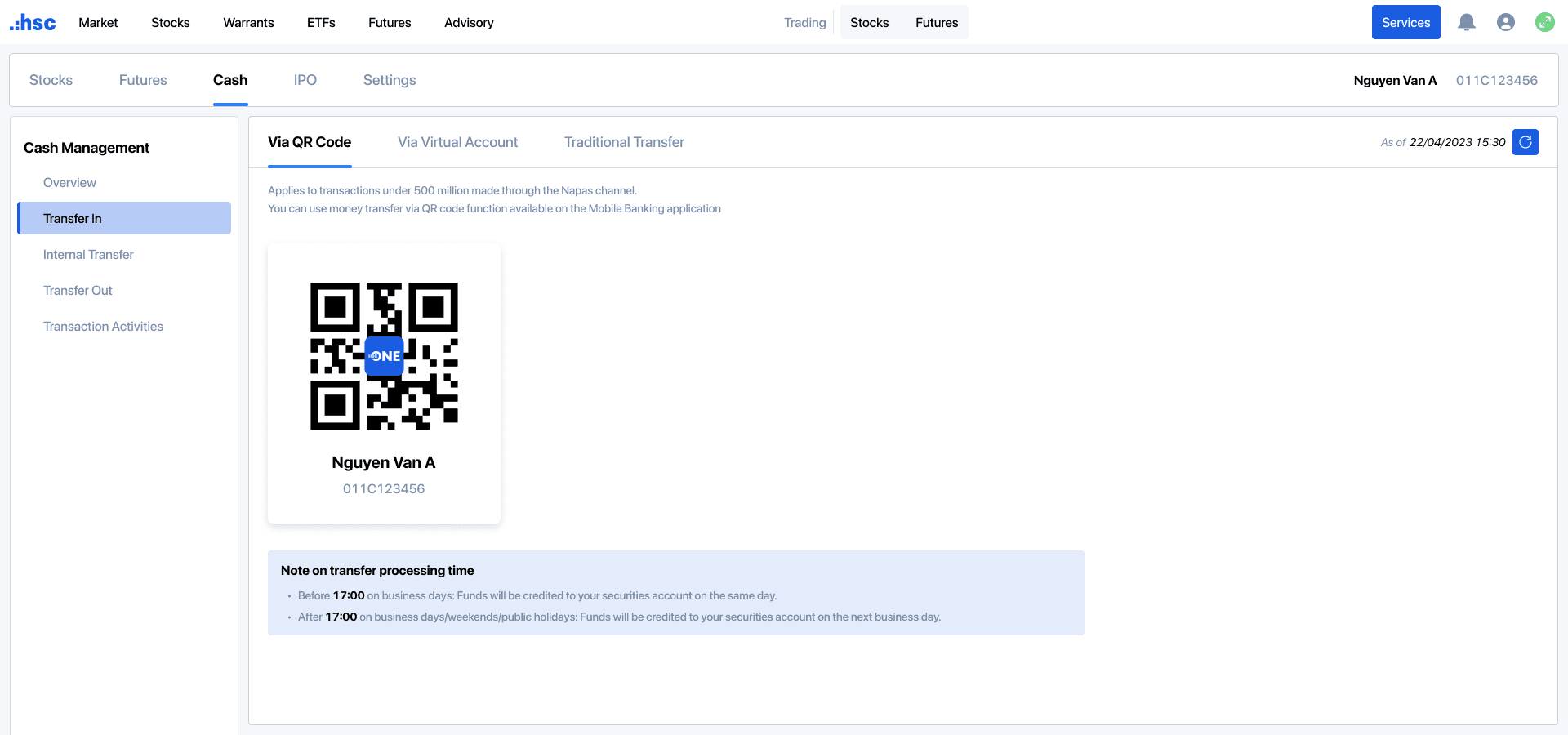
Step 2: Use your mobile banking application to scan the QR code. The system will automatically display the virtual account number and account holder's full name.
Step 3: Enter the deposit amount, review information, and complete transaction.
Note: Applicable to transactions under VND 500 million processed via the Napas channel.
1.3 Standard deposit via bank transfer
Bank
Branch
Account number
Beneficiary name
Remark
BIDV
Nam Ky Khoi Nghia
1190465065
CTY CP CHUNG KHOAN TPHCM
[Full name of Account holder] [Securities trading account number]
Example: Nguyen Van An 011C123456
HDB
HCM
068704070000941
TCB
HCM
10221485904012
VIB
HCM
880704060007099
2.1 Transfer description
Please provide the complete information, including Account holder’s full name and Securities trading account number.
Example: Nguyen Van An 011C123456
Please note that in cases which the transfer description contains incorrect and/or incomplete account number, beneficiary name, the transaction may not be credited to your securities trading account at HSC. In such cases, you may perform reconciliation through the following methods:
Contact the remitting bank directly to request correction of the account holder’s full name and/or securities trading account number; or
Contact your Account manager or HSC Customer Services Center for guidance on the reconciliation procedure.
Once the bank has completed the required adjustments, HSC will allocate the deposited amount to your securities trading account.
2.2 Processing time
Time for the bank to credit funds to HSC’s collection account:
Before 17:00 on business days: HSC will allocate funds to your securities trading account on the same day.
After 17:00 on business days or on weekends/public holidays: HSC will allocate funds to your securities trading account on the next business day.
Interest on loans/ Interest on cash balances is determined according to the exact time at which HSC credits funds to your securities trading account.